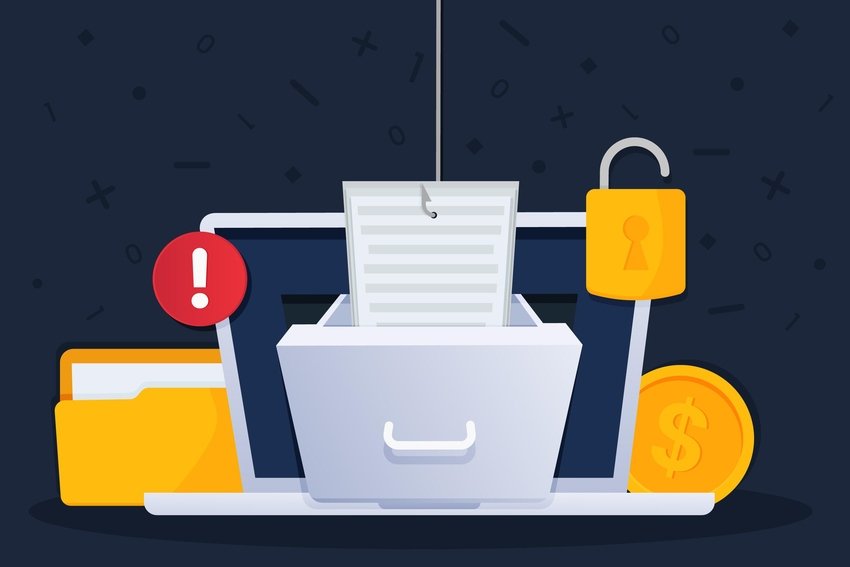

Every day, billions of documents travel across email inboxes, cloud storage platforms, and collaboration tools. The overwhelming majority share one thing in common: they’re PDFs. This format has become so ubiquitous that we rarely question its security. Yet here’s the uncomfortable truth that most professionals ignore: while roughly 90% of shared documents are PDFs, the vast majority of them aren’t remotely leak-proof. That “read-only” badge creates a dangerous illusion. Organizations assume their sensitive contracts, financial reports, and proprietary research are protected simply because they’ve converted them to PDF. They’re wrong. The format itself offers minimal security, and without proper safeguards, your most confidential information is one accidental forward away from exposure.
The PDF Dominance and the Illusion of Security
Why PDFs are the Universal Standard for Sharing
PDFs earned their dominance for good reason. They preserve formatting across every device and operating system, making them ideal for contracts, reports, and official documentation. Unlike Word documents that shift and break depending on the viewer’s software, PDFs look identical everywhere. This consistency made them the default choice for professional communication.
The False Sense of Safety in ‘Read-Only’ Formats
Here’s where things get dangerous. Many professionals conflate “read-only” with “secure.” They assume that because recipients can’t edit the document directly, the content is somehow protected. This couldn’t be further from reality. A read-only PDF can still be copied, printed, screenshotted, and forwarded to anyone. The format alone provides zero protection against data leaks or unauthorized distribution.
Common Security Vulnerabilities in Shared PDFs
Hidden Metadata and Document History Risks
Every PDF carries invisible baggage. Author names, creation dates, editing history, and even GPS coordinates from mobile devices can hide within document metadata. I’ve seen legal teams accidentally reveal negotiation strategies through tracked changes that weren’t properly stripped. One careless export can expose your entire revision history to opposing counsel or competitors.
Improper Redaction Techniques and Data Recovery
The black rectangle problem remains shockingly common. Users highlight sensitive text in black, believing they’ve redacted it permanently. In reality, that text often remains selectable and searchable beneath the visual overlay. Court cases have been compromised, personal data exposed, and classified information leaked because someone used a highlighter tool instead of proper redaction software.
Embedded Malicious Code and Phishing Links
PDFs can carry more than text and images. JavaScript execution, embedded links, and form actions create attack vectors that cybercriminals actively exploit. A seemingly innocent invoice PDF might redirect users to credential-harvesting sites or execute malicious scripts upon opening. Your document security strategy must account for both outbound leaks and inbound threats.
The Human Factor: Sharing Permissions and Access Control
Public Links vs. Restricted Access
The convenience of “anyone with the link can view” settings has created massive security gaps across organizations. That quarterly report shared via public link? It’s indexable by search engines and accessible to anyone who stumbles upon the URL. Restricted access with individual authentication adds friction, but that friction exists for good reason.
The Risk of Expired or Unmonitored Shared Folders
Shared folders accumulate permissions like barnacles on a ship. Former employees, expired contractors, and forgotten collaborators retain access long after their legitimate need ends. Without regular access audits, your most sensitive documents remain accessible to people who shouldn’t see them. This isn’t theoretical: insider threats, whether malicious or accidental, account for a significant percentage of data breaches.
Advanced Protection: Beyond Basic Password Encryption
Implementing Document Watermarking and Tracking
Password protection represents the bare minimum, and determined attackers bypass it routinely. Dynamic watermarking adds accountability by embedding recipient-specific identifiers into each document copy. If a leak occurs, you can trace it back to the source. Visible watermarks deter casual sharing, while forensic watermarks remain invisible until needed for investigation.
Utilizing Digital Rights Management (DRM) Tools
True document security requires controlling what recipients can do with your files after they receive them. DRM solutions enable granular permissions:
- Prevent printing entirely or limit print copies
- Block copy-paste and screenshot functions
- Set automatic expiration dates
- Revoke access remotely, even after download
- Track who viewed what, when, and from where
These controls transform PDFs from passive files into actively managed assets. User and Entity Behavior Analytics (UEBA) can flag unusual access patterns, while Zero Trust principles ensure verification at every interaction.
A Checklist for Leak-Proof PDF Distribution
Before sending any sensitive PDF, run through these essential steps:
- Strip all metadata using dedicated tools, not just “save as”
- Apply proper redaction that removes text, not just covers it
- Implement DRM controls appropriate to the document’s sensitivity
- Use restricted sharing with individual authentication
- Enable watermarking for traceability
- Set expiration dates for time-sensitive materials
- Document who received access and when
- Schedule regular access reviews and revocations
This isn’t paranoia. It’s basic hygiene for any organization handling confidential information.
Future-Proofing Your Document Security Strategy
Document security isn’t a one-time implementation. Threats evolve, sharing patterns change, and yesterday’s protections become tomorrow’s vulnerabilities. Building a resilient strategy means treating document security as an ongoing process rather than a checkbox exercise.
Start by classifying documents based on sensitivity. Not every PDF needs maximum protection, but your most valuable intellectual property deserves more than a password. Implement tiered controls that match security measures to actual risk levels.
Train your teams on proper document handling. The most sophisticated DRM system fails when employees share passwords or screenshot protected content. Security awareness must address document-specific risks, not just email phishing.
For organizations serious about protecting sensitive PDFs from unauthorized access, copying, and distribution, dedicated document security solutions offer protection that basic PDF features simply cannot match. Locklizard specializes in PDF security and copy protection, helping organizations enforce document controls and prevent unauthorized sharing. Learn more about how proper DRM can protect your intellectual property and revenue streams.
The 90% statistic should concern every security-conscious professional. PDFs dominate document sharing, yet most organizations treat them as inherently secure. They’re not. The format is a container, and containers need locks. Your documents deserve protection that matches their value.